Topology plays a very important role in correct deformation of 3D Model and its optimization for render. So, … Read more

Learn to Earn mechanics are a revolutionary concept where users get rewarded for their results and achievements throughout the educational process.
1. Log into your account on studyofcourse.com
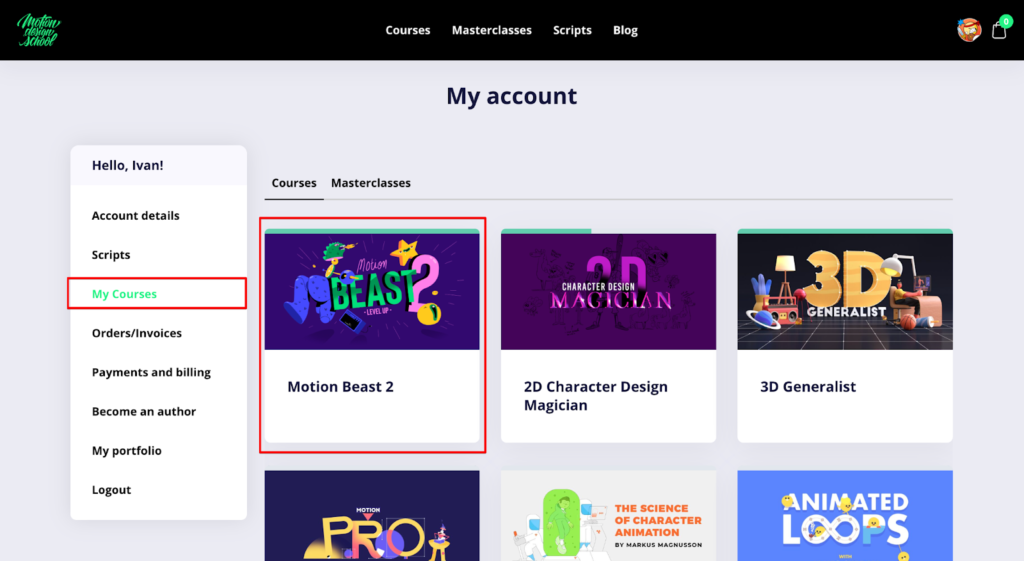
2. Go to your Courses and choose Motion Beast 2 course
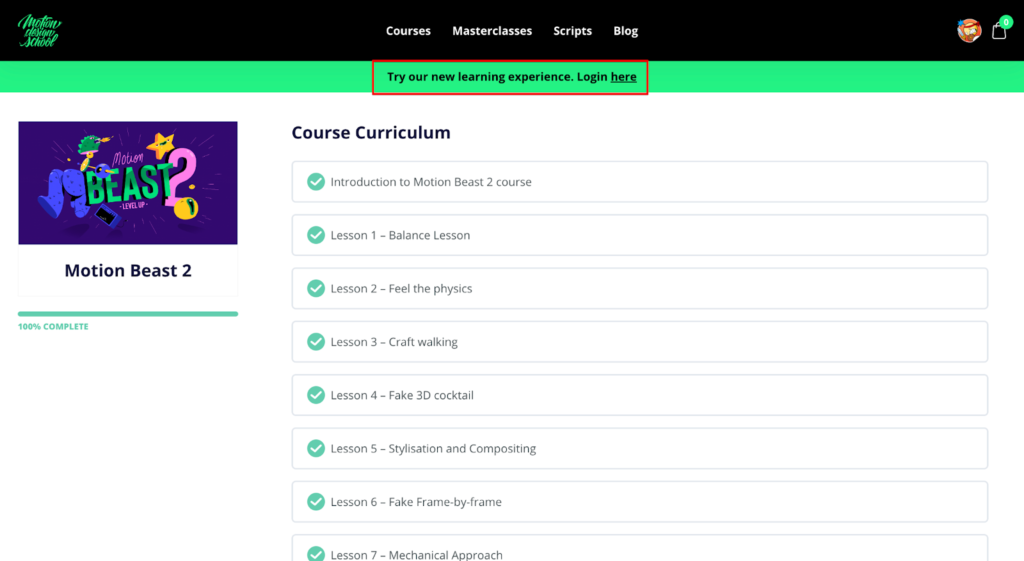
3. Click on the green banner at the top of the page. This will take you to the new Motion Design School platform.
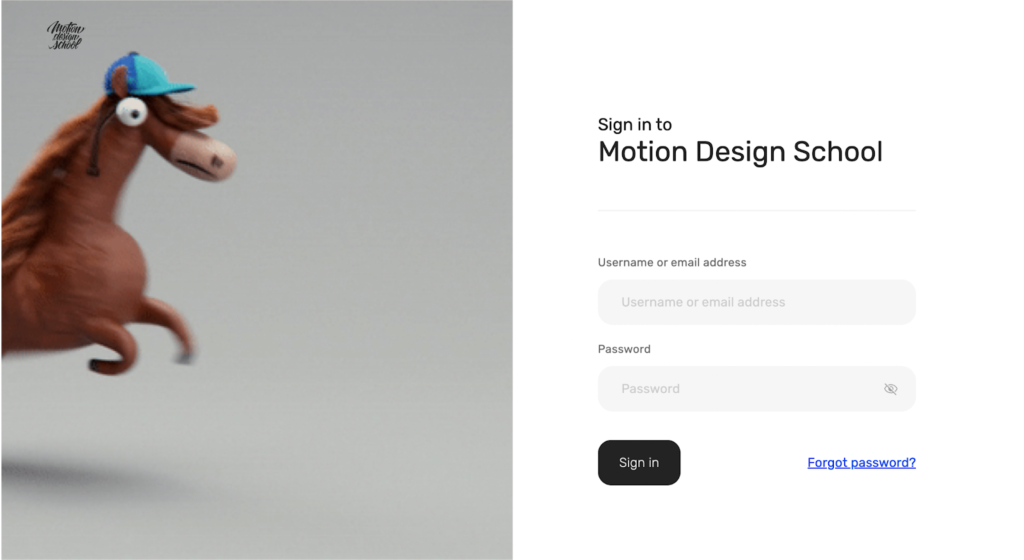
4. In the new Login screen enter your login credentials from the original website https://studyofcourse.com/
5. Now you’re logged into the new beta Motion Design School platform.
6. Your library contains all the same courses and tools (scripts) which you purchased on the original Motion Design School website. You can take them any time you like.
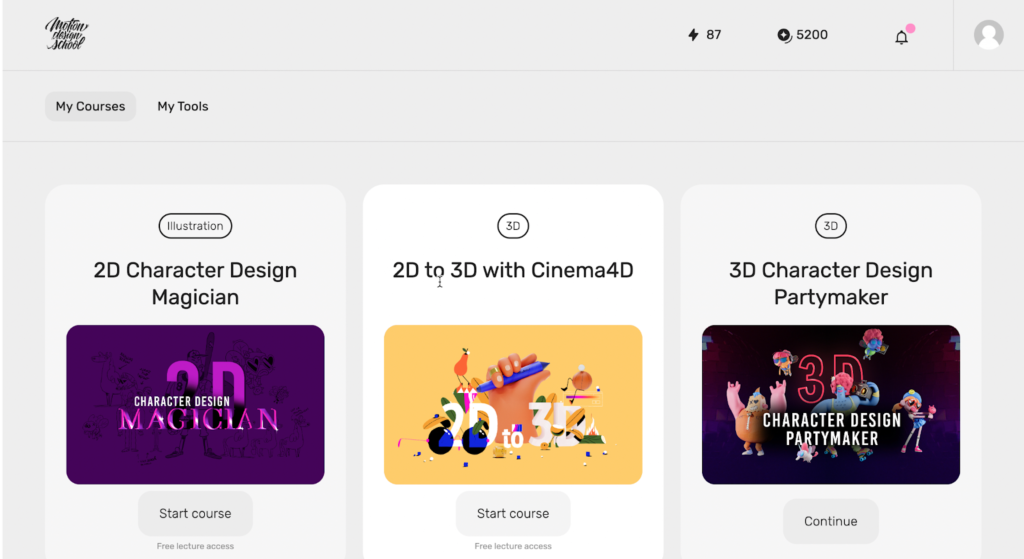
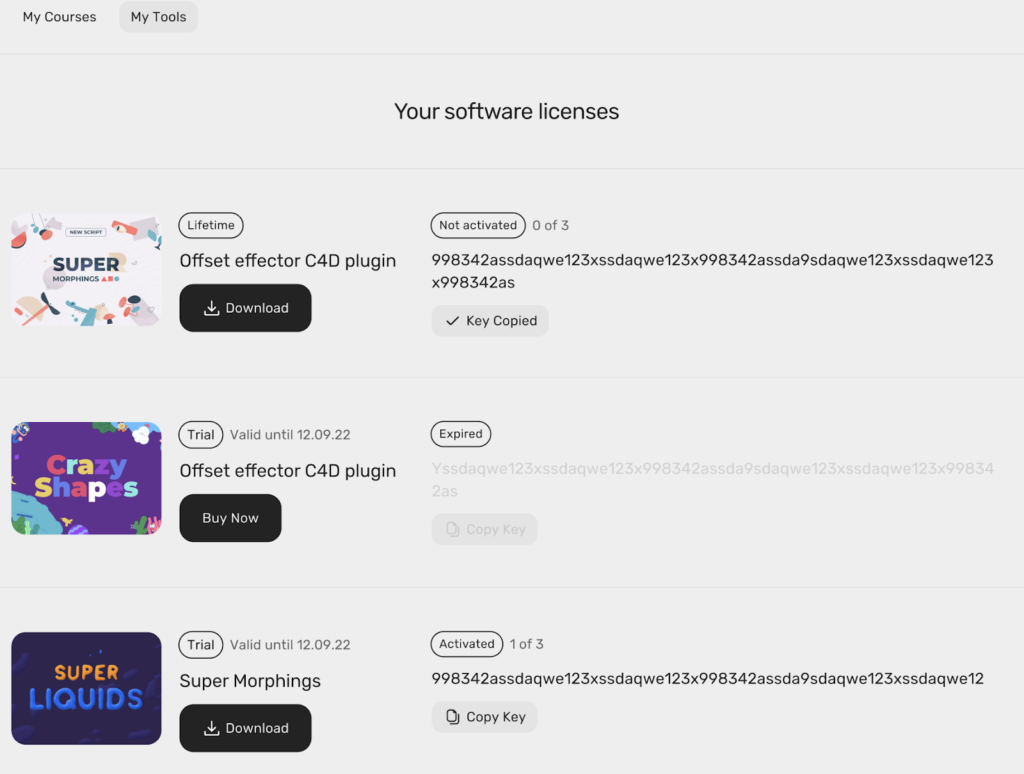
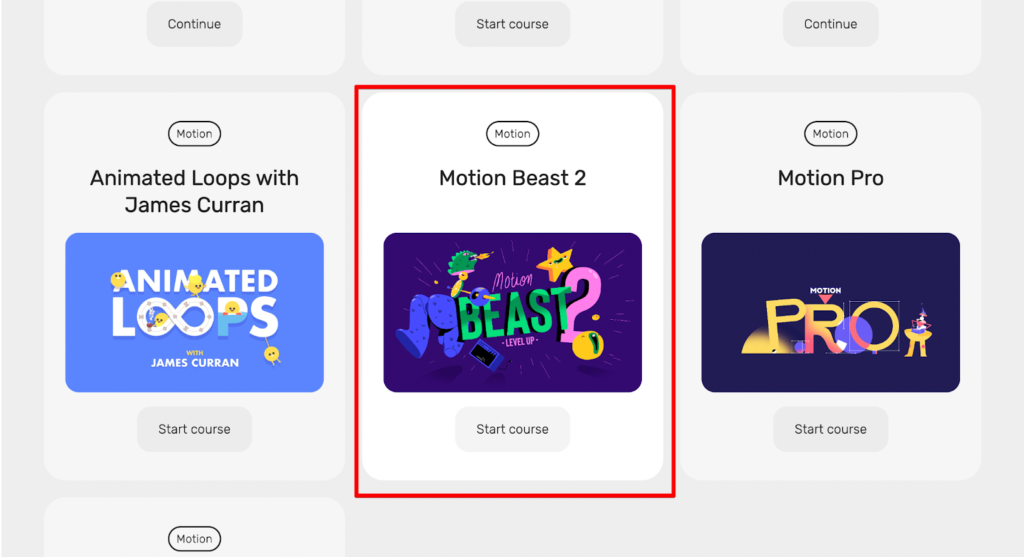
7. To access the new Learning Experience scroll down, find the Motion Beast 2 course and click Start Course.
8. Now you’ve entered the New Learning Mode.
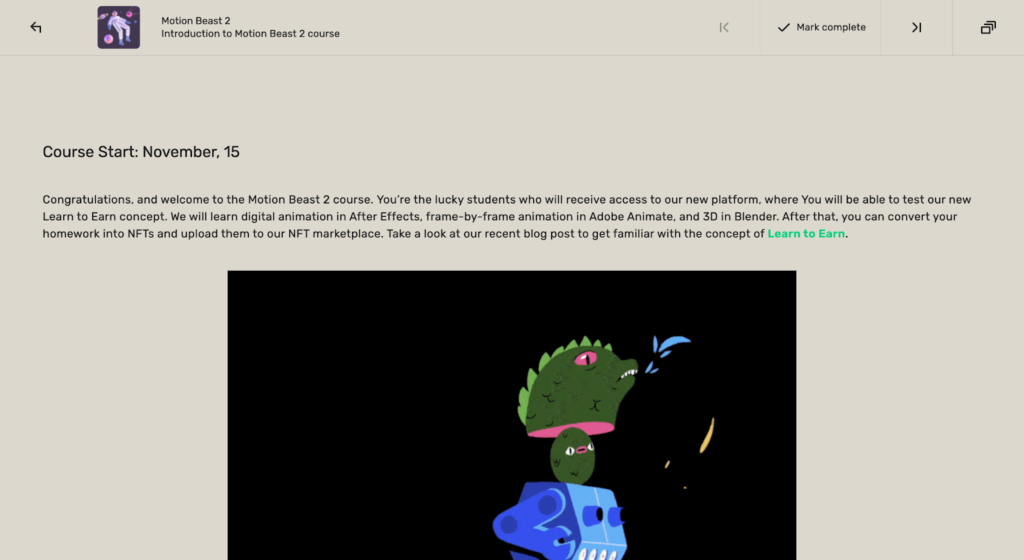
9. The upper navigation bar lets you:
a. move to the next or previous lessons

b. complete a lesson
Topology plays a very important role in correct deformation of 3D Model and its optimization for render. So, … Read more
In this short frame-by-frame animation tutorial, I’ll show you how to create and animate an illustration from scratch. We’ll start … Read more
Vladimir LiubarskiyBlog Editor, Motion Designer & Tutor Adobe After Effects is arguably one of the most powerful creative … Read more